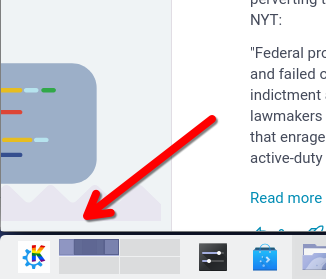
Right click on your menu launcher and choose "Configure Application Launcher".
Click on the button with the current icon in the dialog that opens. You will be given the option to "Choose..." a new icon.
In the next dialog, click on the "Browse" button in the bottom left hand corner and navigate to where you saved the PNG and select it.
Click "Open" and then "Apply".
Voila!