
This is a real example of creating and publishing notes using multiple identities in a single session — no login/logout, no account switching.
Below are 5 screens showing the flow.
Screen 1 — Continuum dashboard (local)
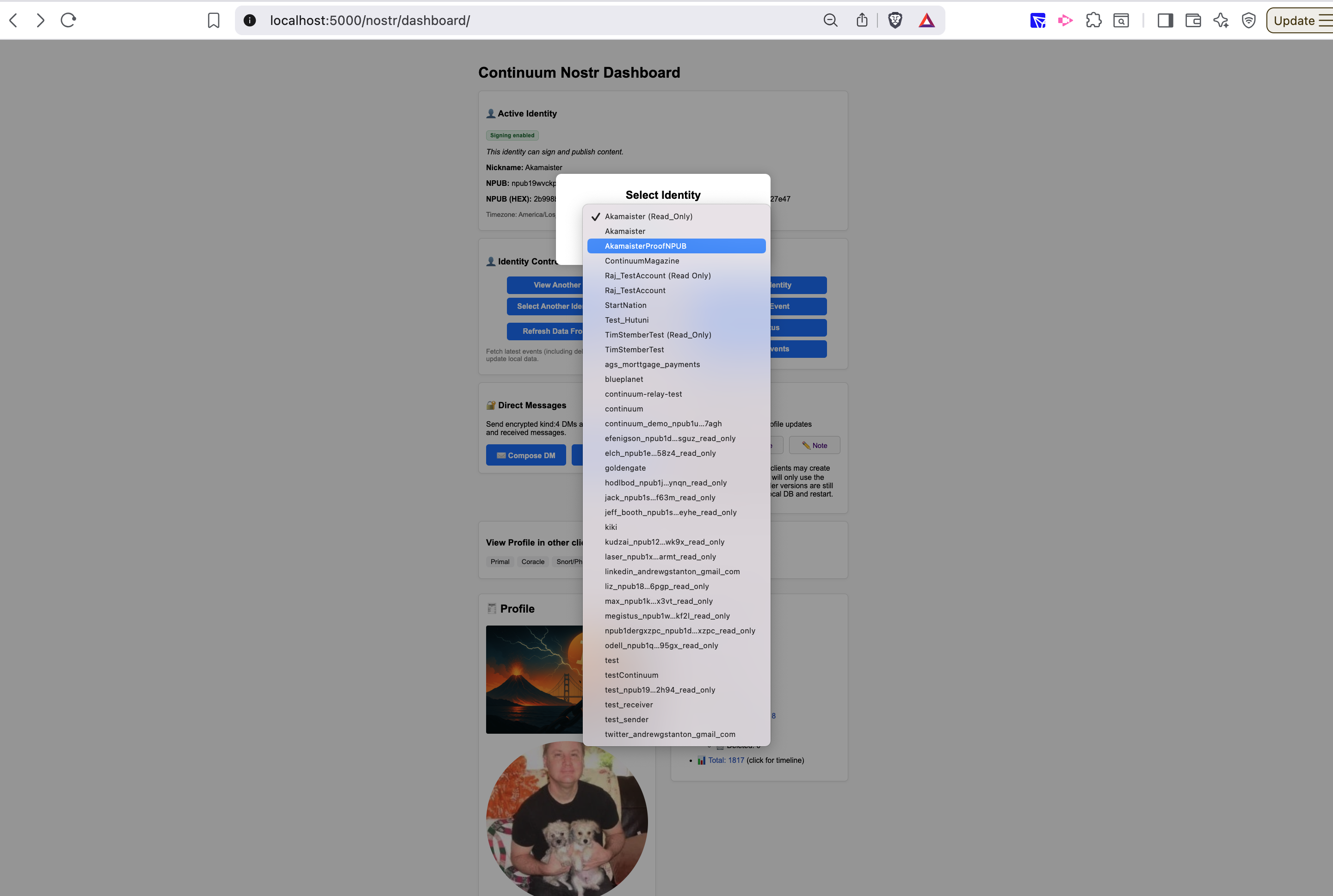
Continuum is running locally.
Multiple identities are available at the same time.
There is no concept of “logged in user”.
Screen 2 — Select identity: Akamaister
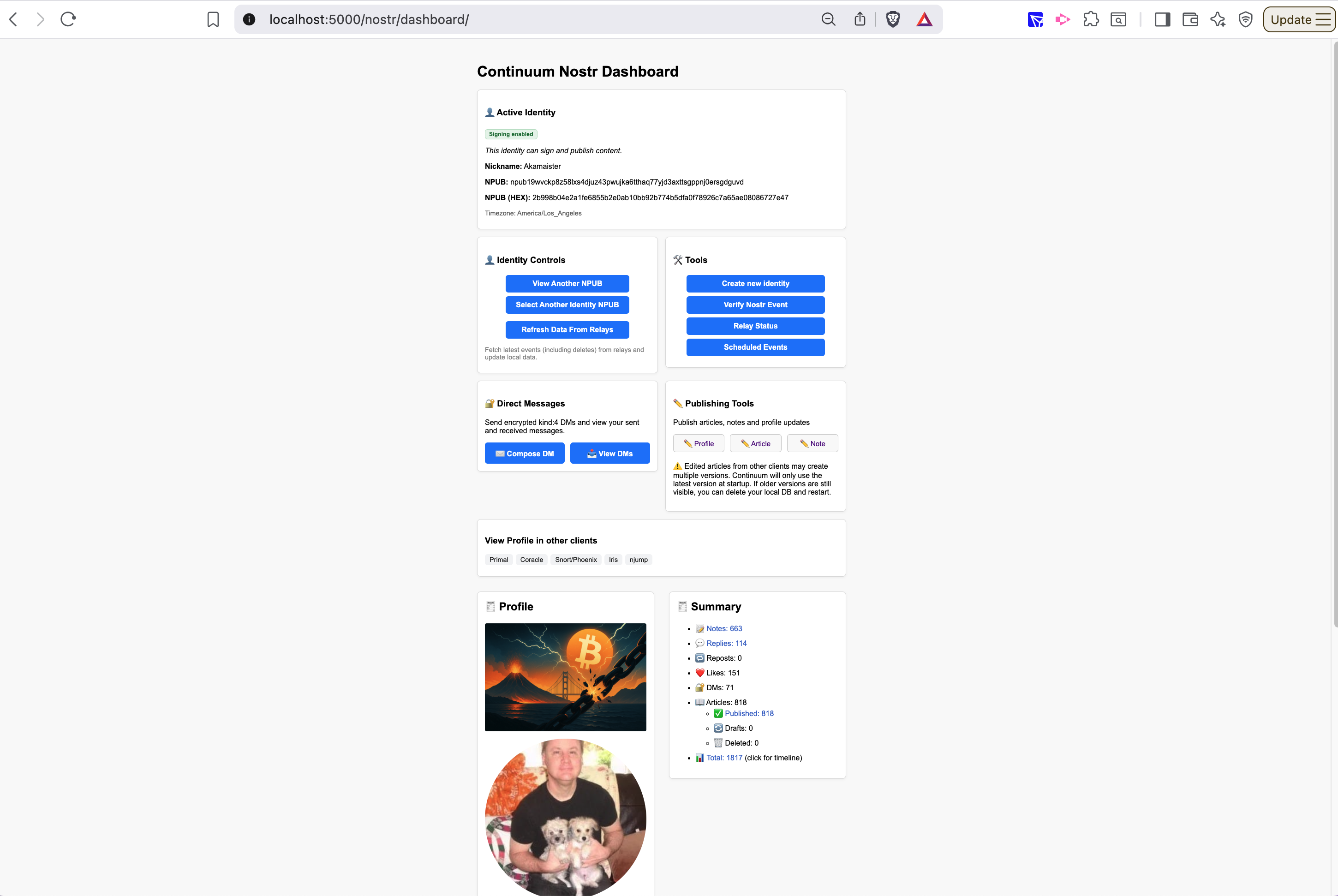
Here I select the identity “Akamaister”.
This determines which key will be used to sign the next note.
Identity selection is explicit.
Screen 3 — Write and publish as Akamaister
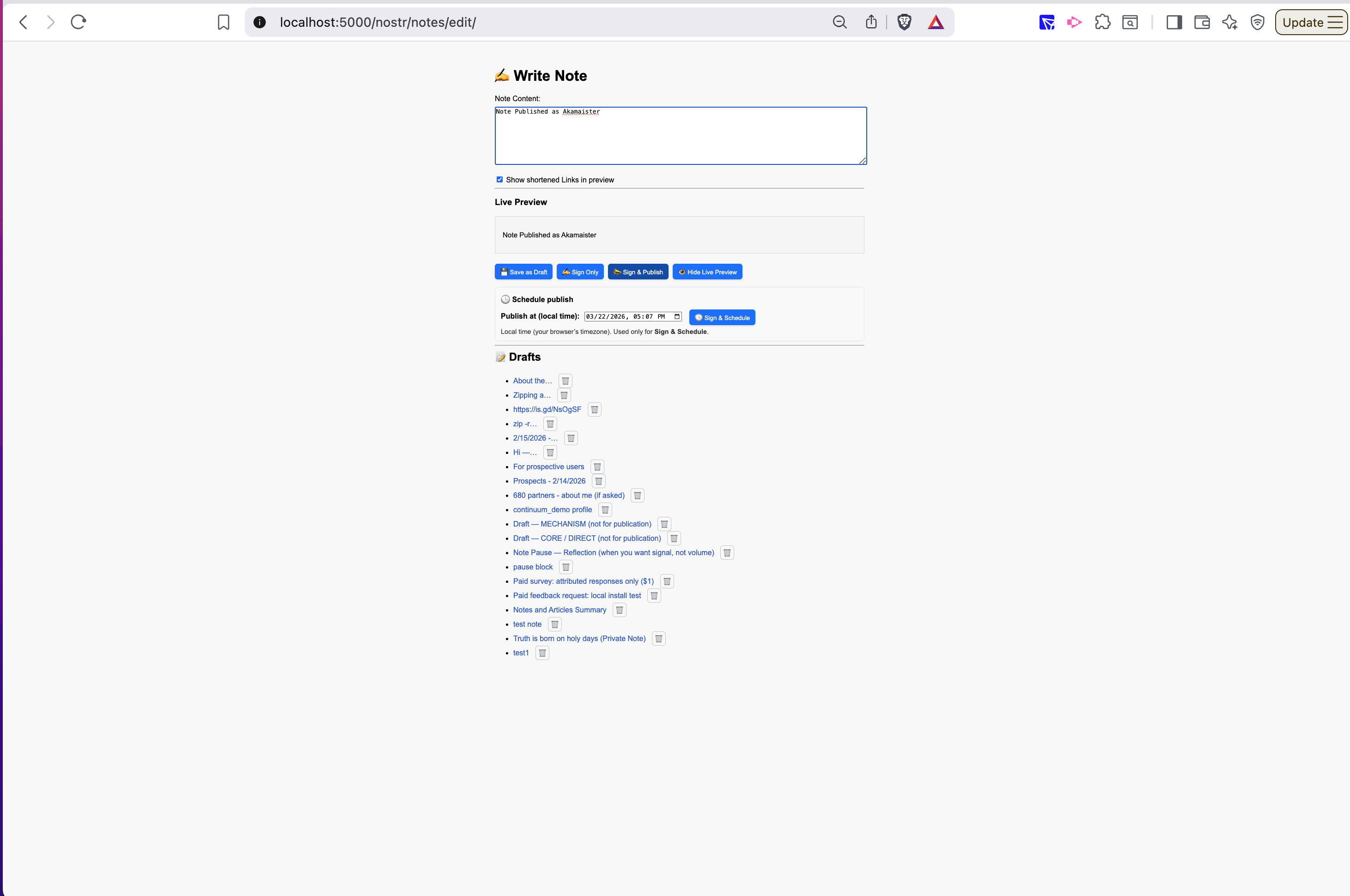
drafting and publishing the note:
note published -- seen on primal:
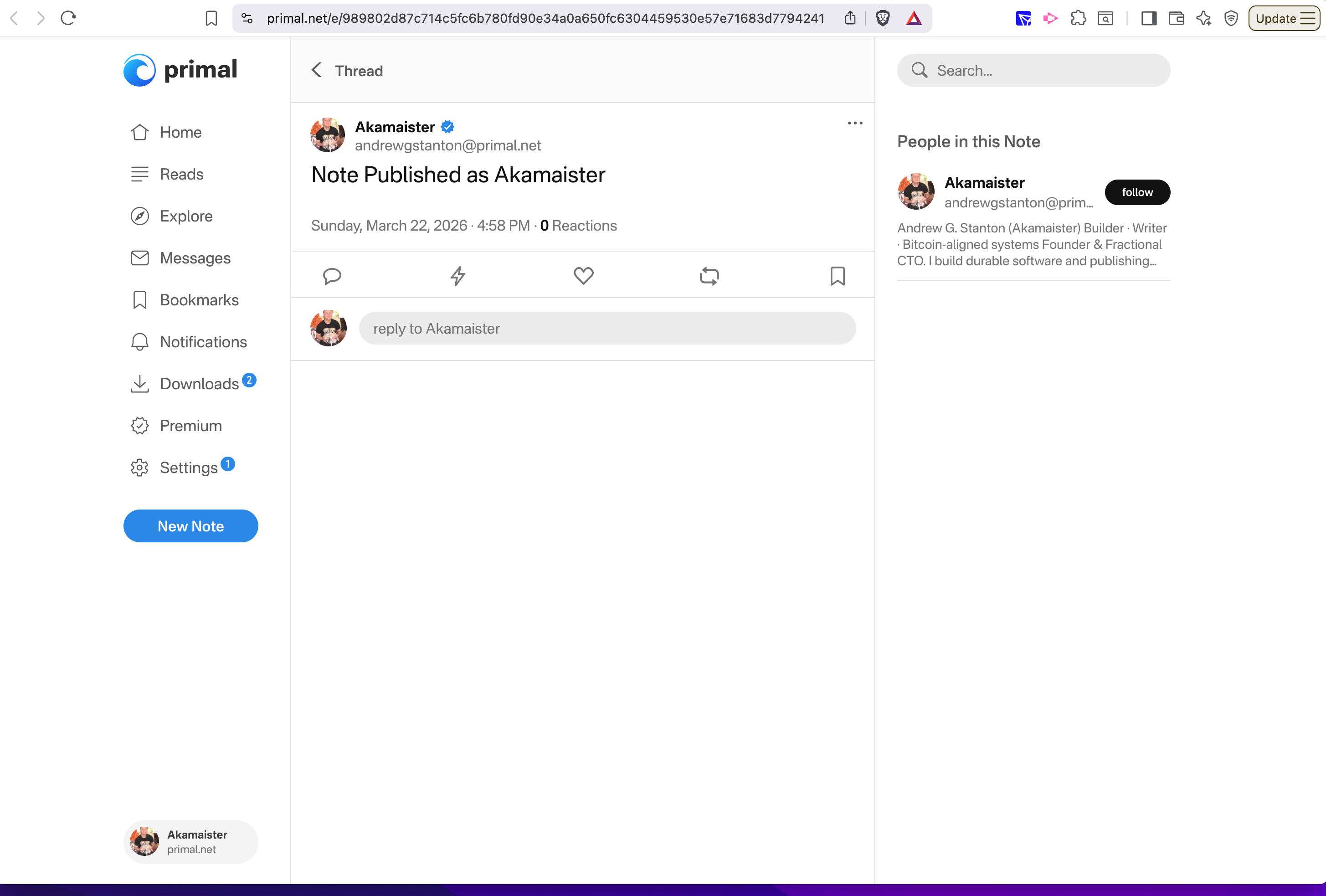
This note is created and signed using the Akamaister identity.
- signed locally
- published directly
No login. No session. Just key selection.
Screen 4 — Switch identity: Continuum
(continuum is also an npub/keypair I have, this is NOT the same as the platform/application itself)
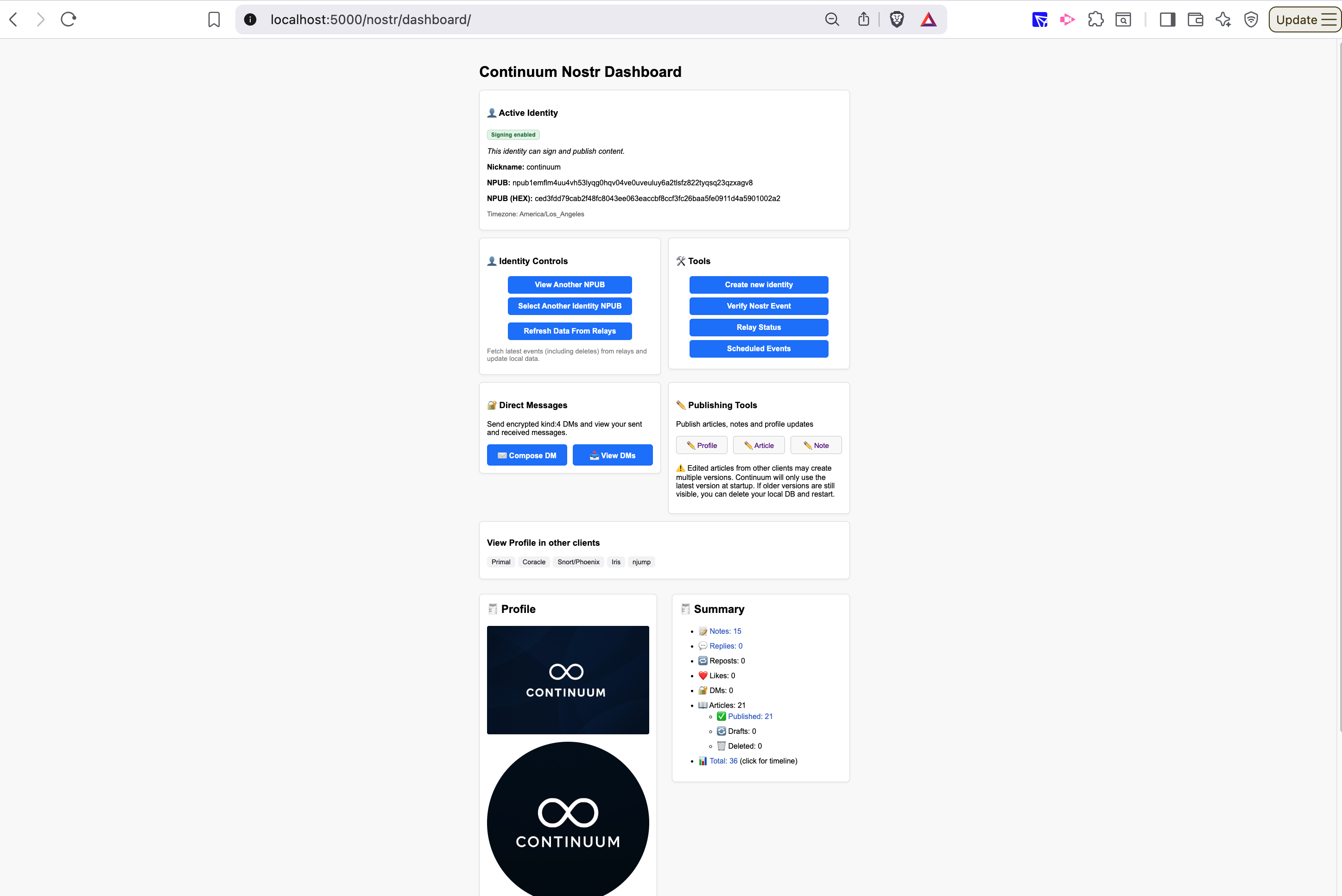
Now I switch to a different identity: “Continuum”.
No logout required.
No account switching.
Just selecting a different key.
Screen 5 — Write and publish as Continuum
Note drafted, igned, published and shown in primal:
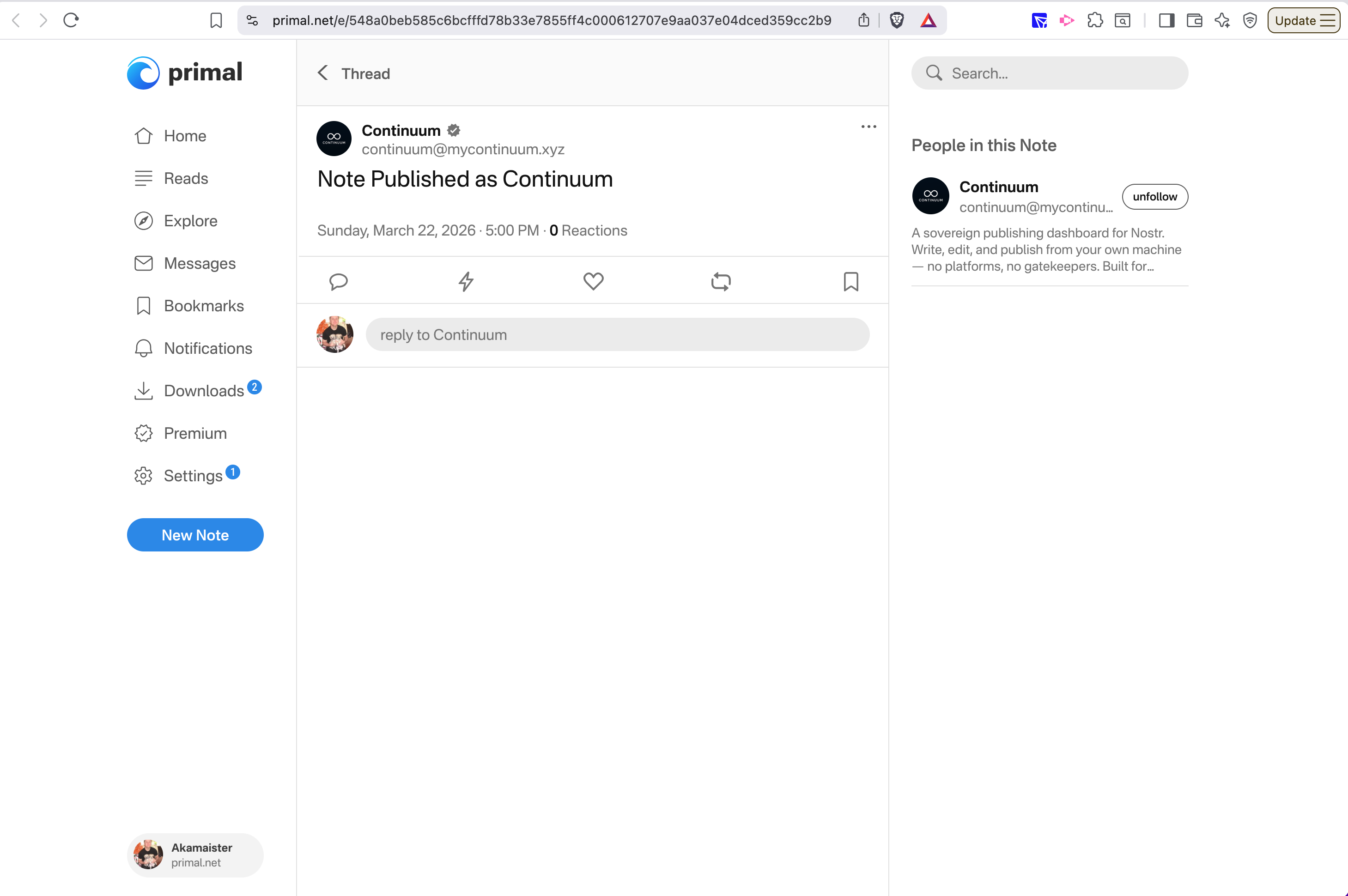
This note is created and signed using the Continuum identity.
Same system. Same flow.
Different identity, fully controlled.
What this example shows
→ multiple identities active at once
→ explicit selection per action
→ no login/logout model
→ no platform controlling identity
Key takeaway
Identity is not a session.
It’s a key you choose to use.
Most systems tie identity to accounts and sessions.
Here, identity is independent and selectable at any time.
This setup requires running Continuum locally.
That’s the tradeoff for full control over identity and publishing.